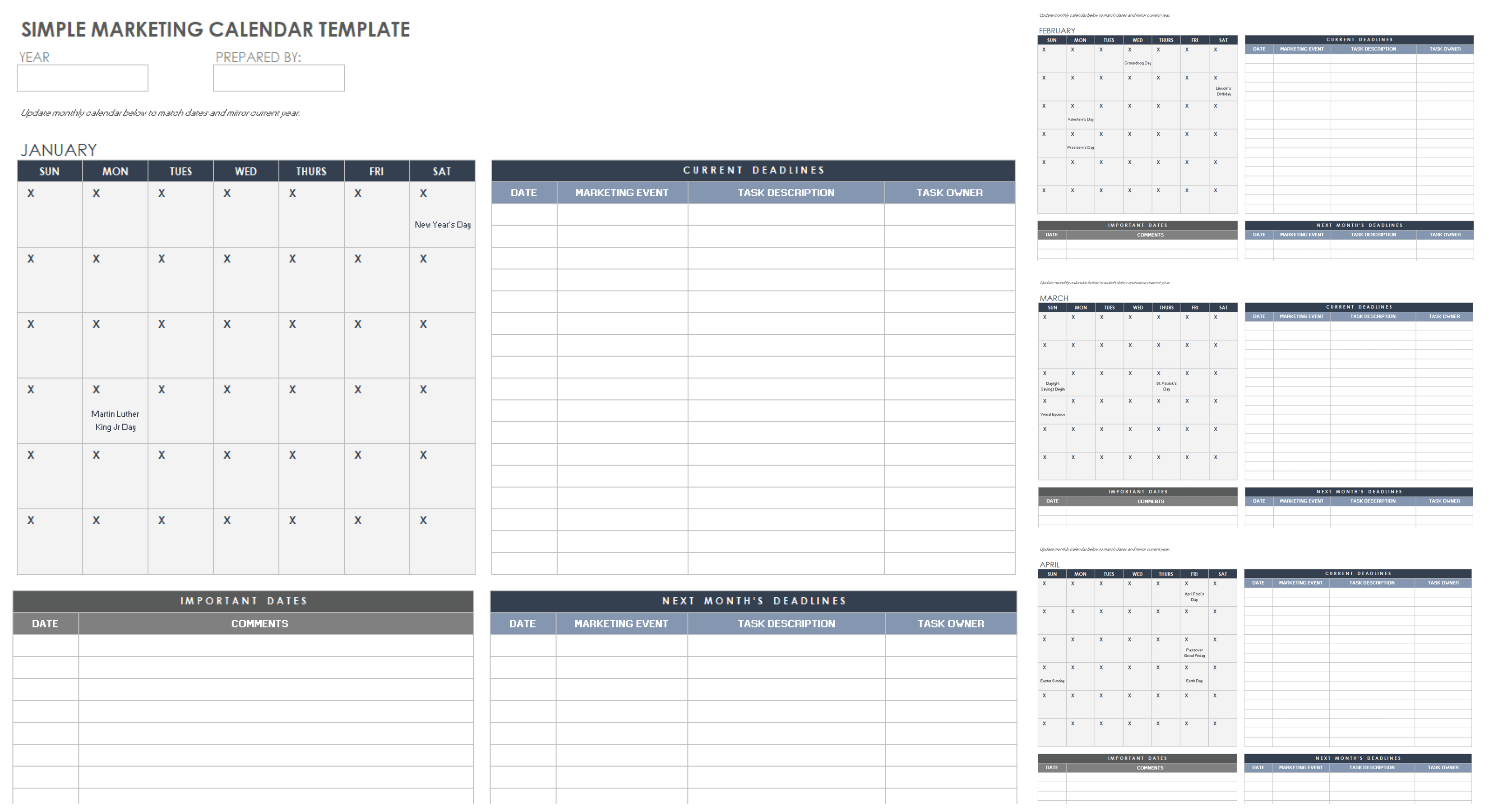
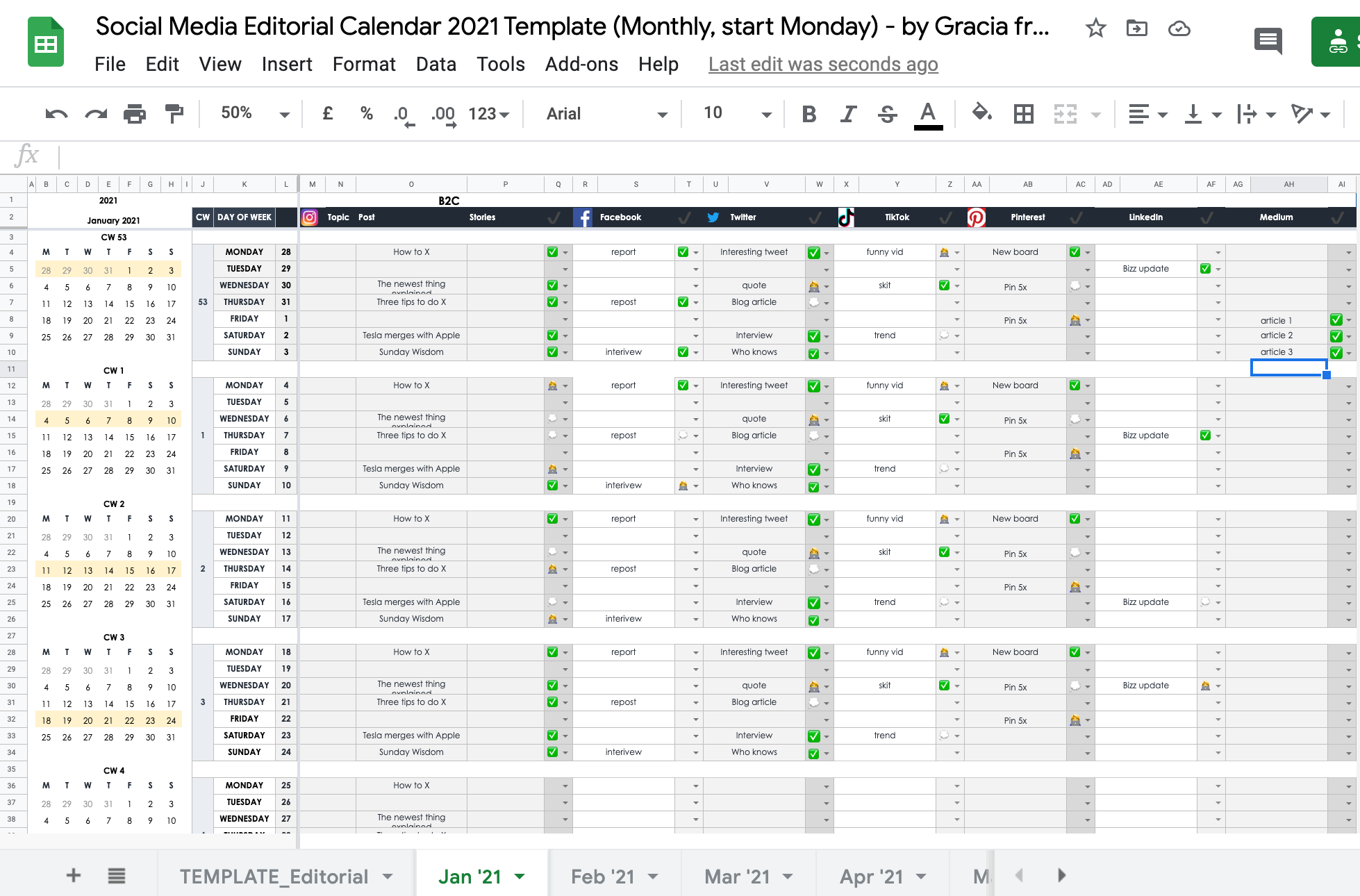
An organized marketing calendar is crucial for digital marketers and small business owners. It streamlines the planning, execution, and tracking of marketing activities, ensuring that campaigns are well-coordinated and aligned with business objectives. A Google Sheets template offers a flexible solution that can be easily customized to meet specific needs.
Benefits of Using a Marketing Calendar
Utilizing a marketing calendar provides several advantages:
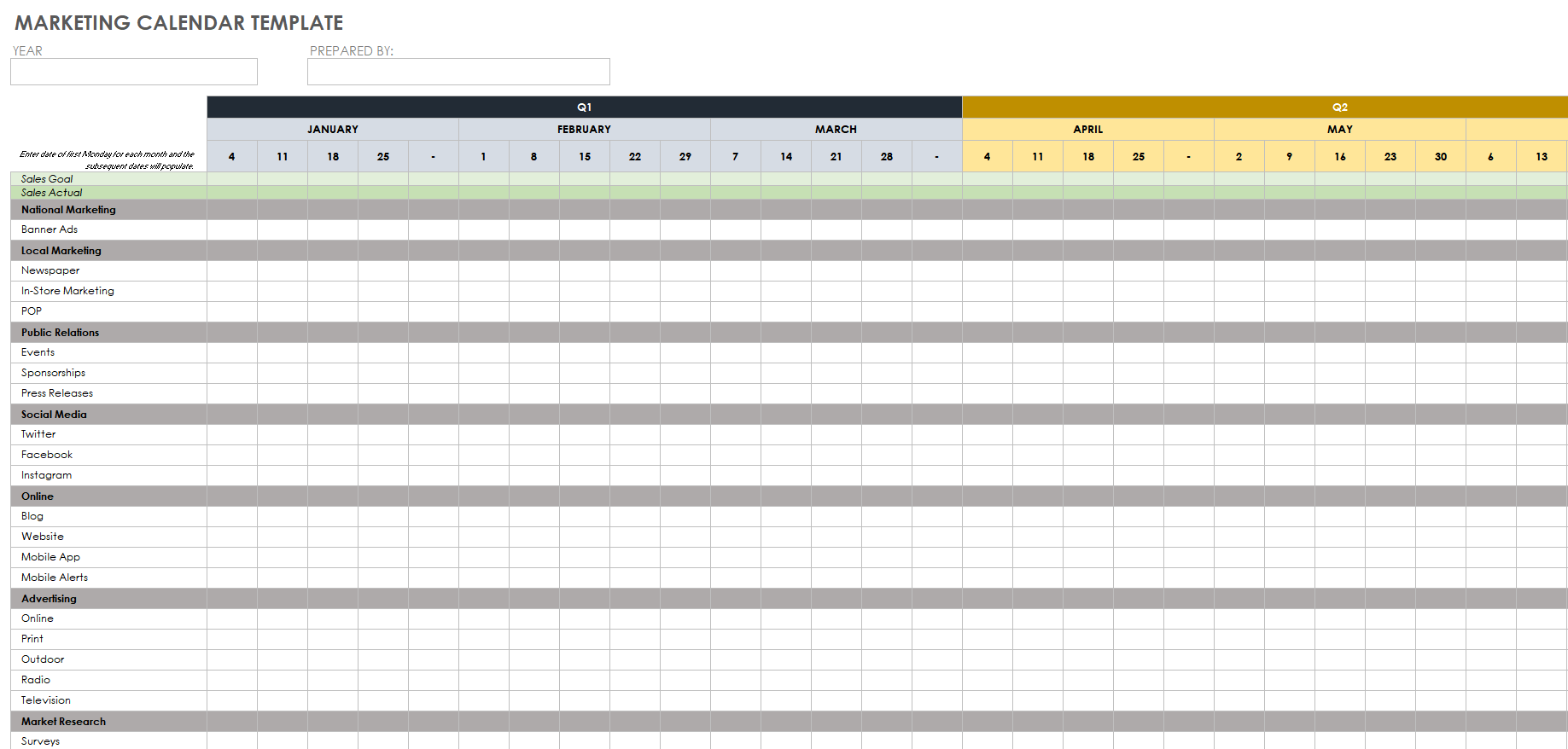
- Improved Organization: Keeps all marketing activities in one place.
- Better Team Collaboration: Enhances communication among team members.
- Enhanced Campaign Tracking: Allows for monitoring progress and effectiveness.
For example, a marketing calendar can prevent overlaps in campaigns by clearly outlining scheduled activities, ensuring timely content delivery across various platforms.
Key Features of an Effective Google Sheets Marketing Calendar Template
An effective template should include:
- Customizable fields for different marketing channels
- Deadlines for each campaign
- Campaign objectives
- Status tracking for ongoing tasks
The flexibility of Google Sheets allows users to adapt the template to their individual business needs. Color-coding can also be leveraged for easy identification of tasks and phases within the calendar, enhancing visual organization.
How to Create Your Own Marketing Calendar Template in Google Sheets
Follow these steps to create a basic marketing calendar:
- Create a new Google Sheet.
- Set up columns for dates, campaign names, tasks, and responsible team members.
- Add rows for each marketing activity planned.
- Utilize built-in functions to automate reminders and updates.
This setup will make your calendar more efficient for ongoing use.
Regularly updating the calendar is essential. Review it frequently to adapt to changing marketing strategies and ensure all team members are aligned with current goals.